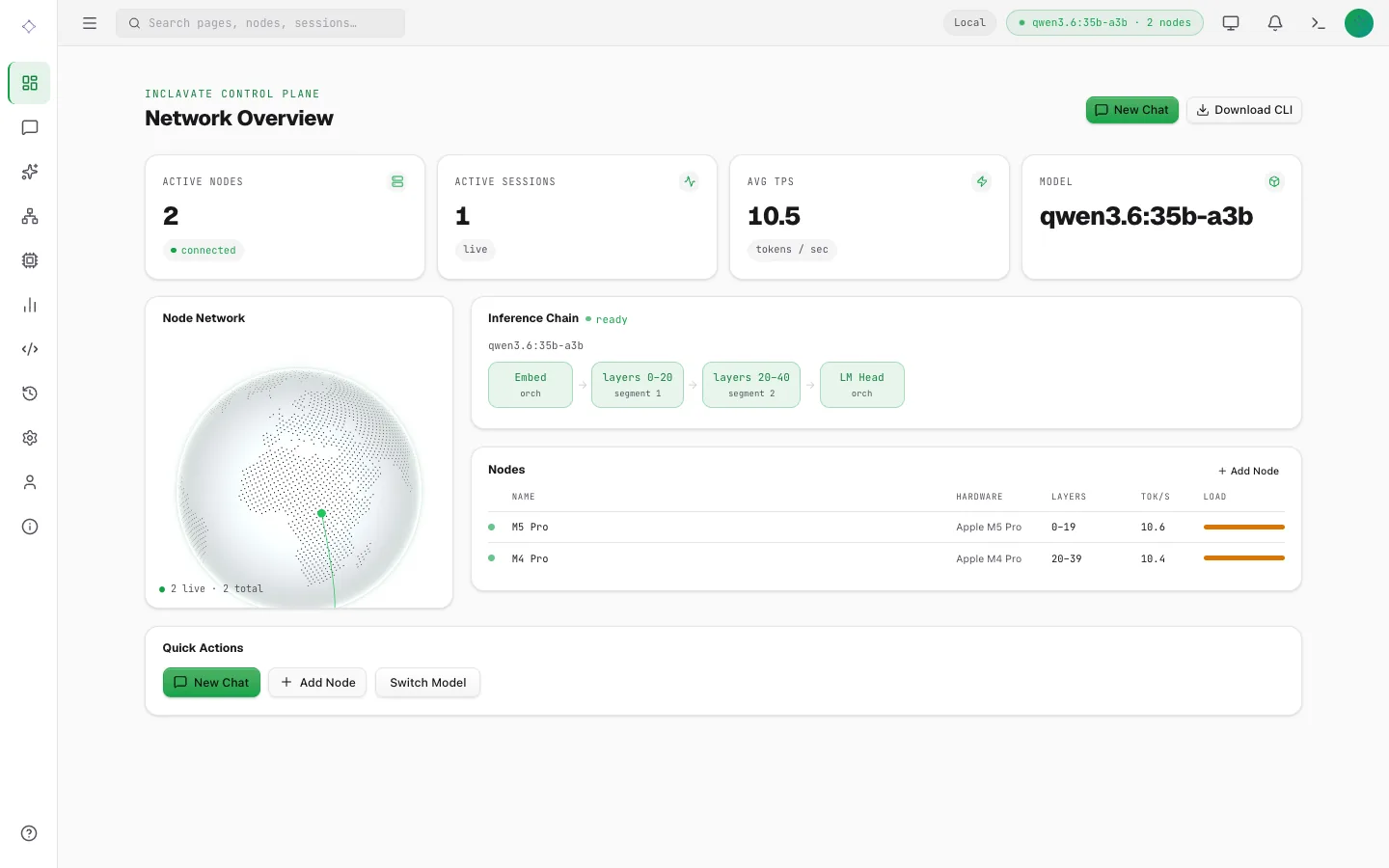
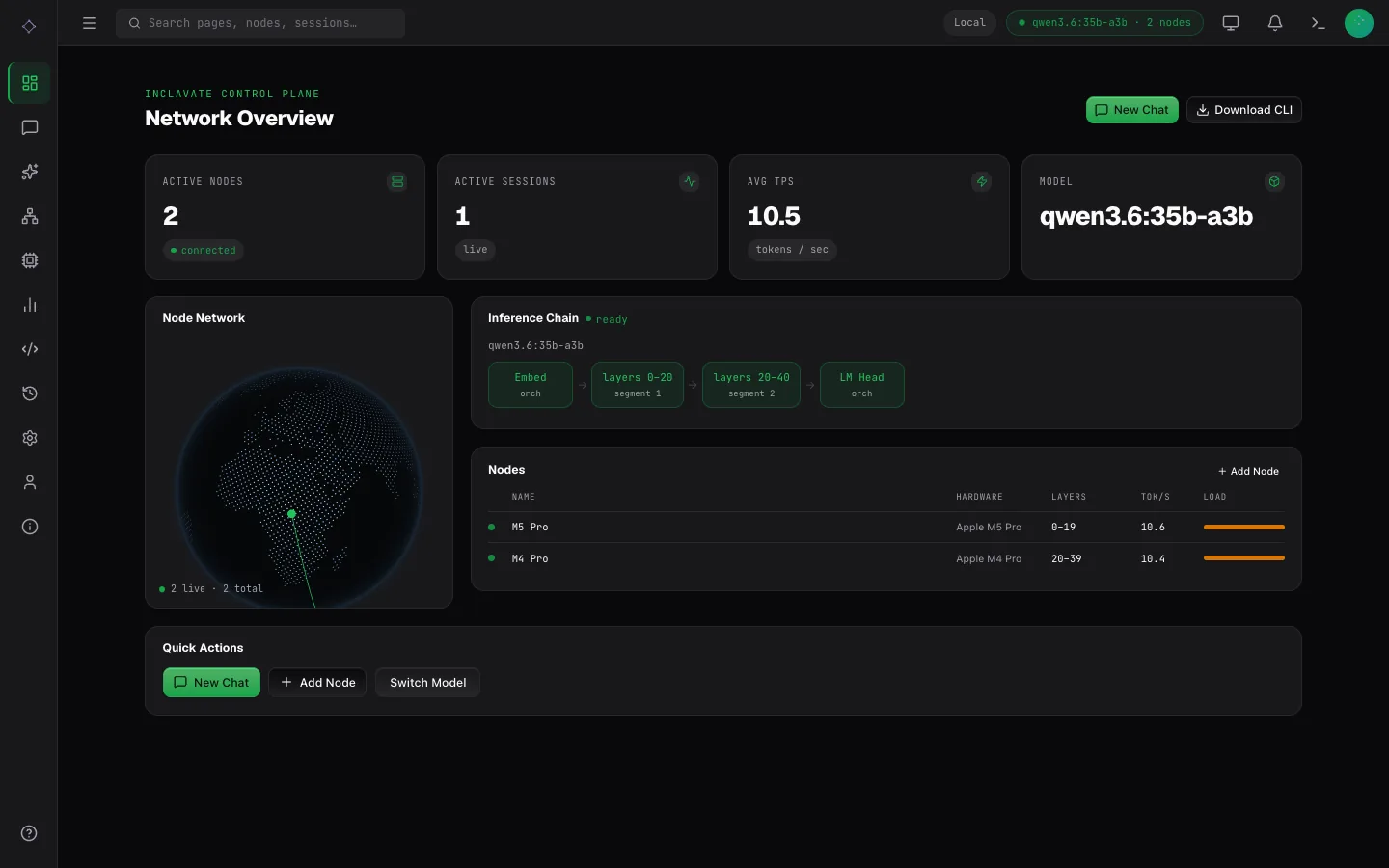
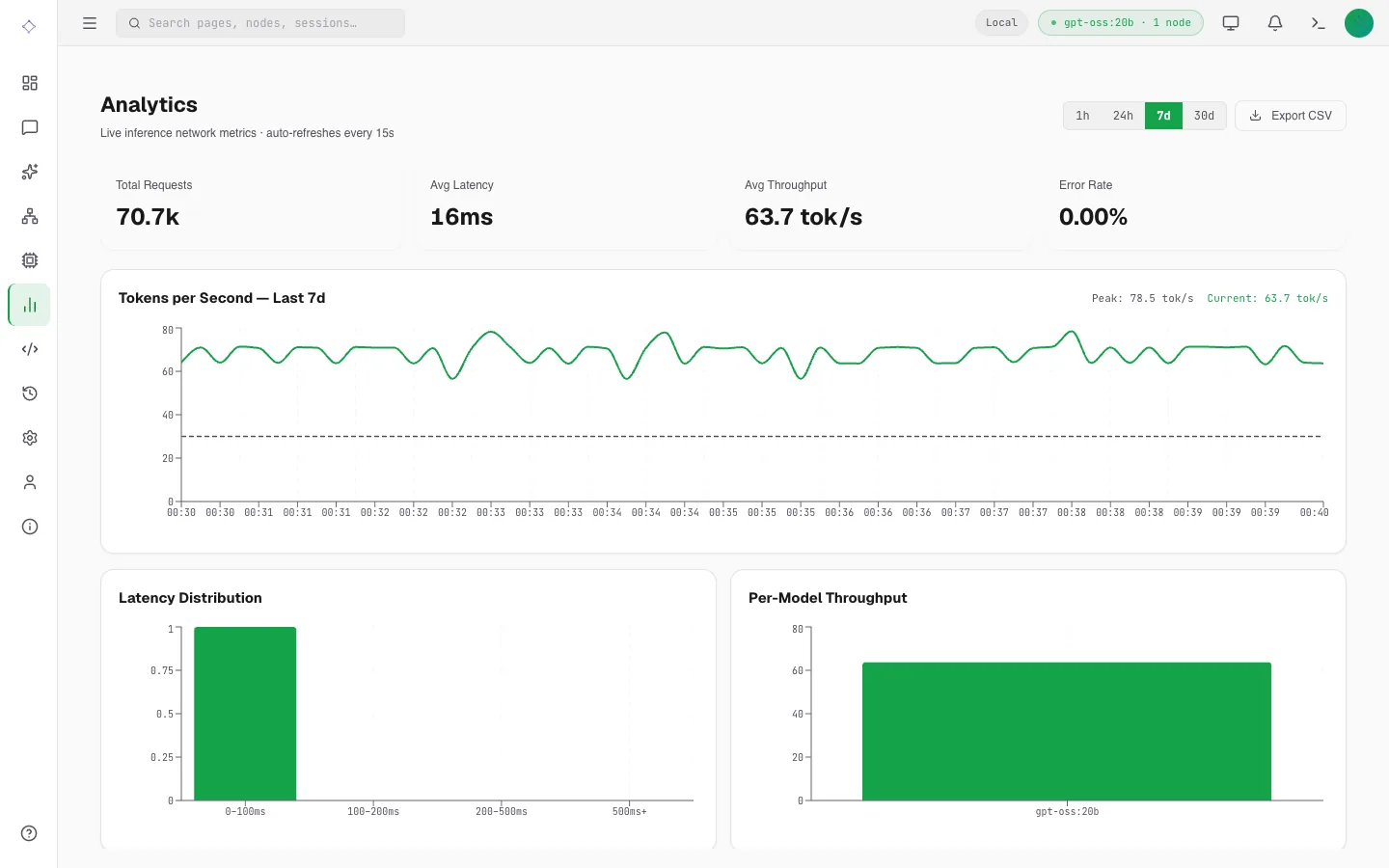
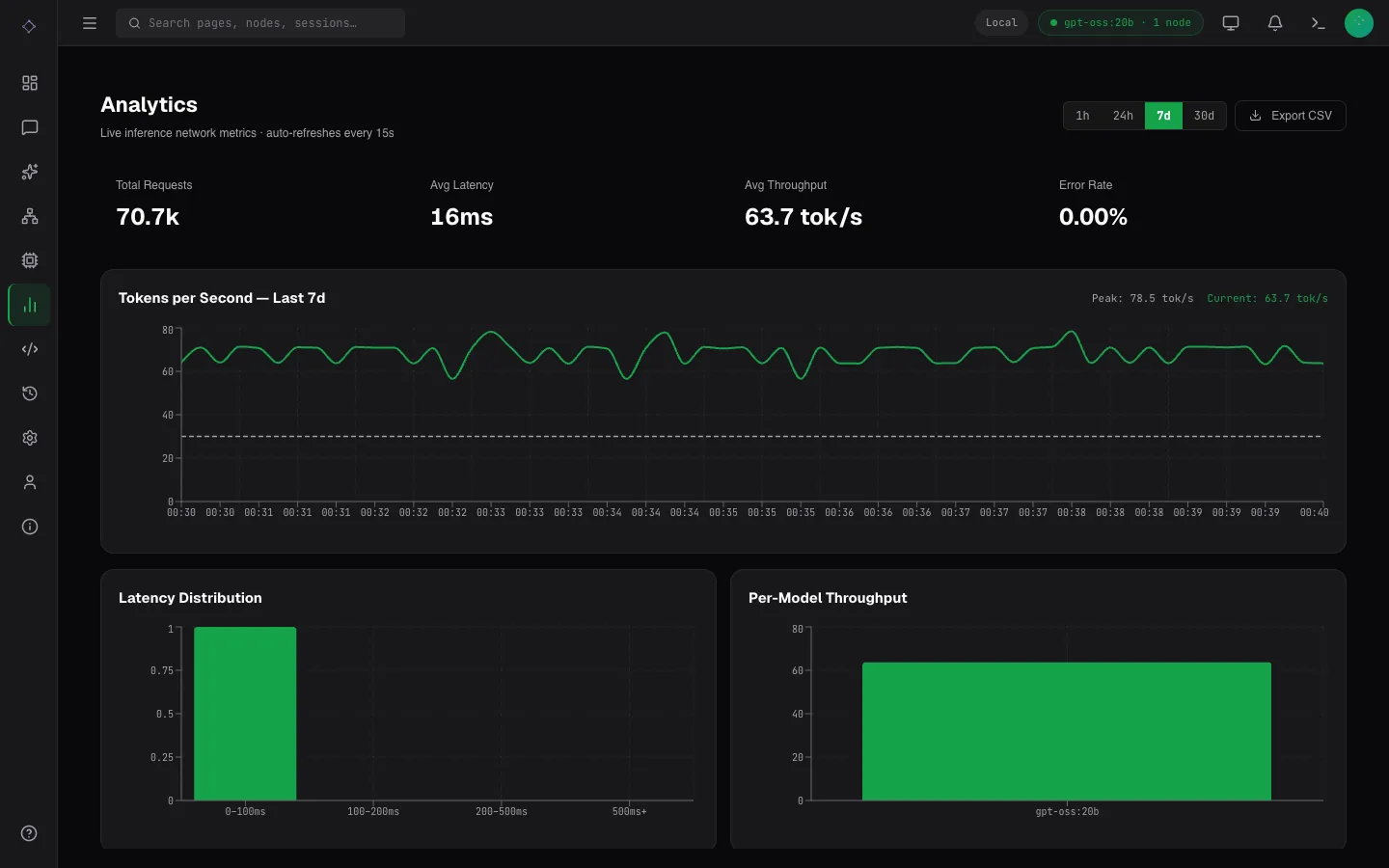
The dashboard
A web page for chat, generation and running the cluster. Start it on any machine that can reach the orchestrator:
bash
dppan ui --orchestrator http://localhost:8001 --port 3000Then open http://localhost:3000. It answers only on this machine unless started with --host 0.0.0.0, and --open opens the browser for you; every flag is in the CLI reference. The Admin tab appears when the orchestrator was started with --admin-token.
Chat
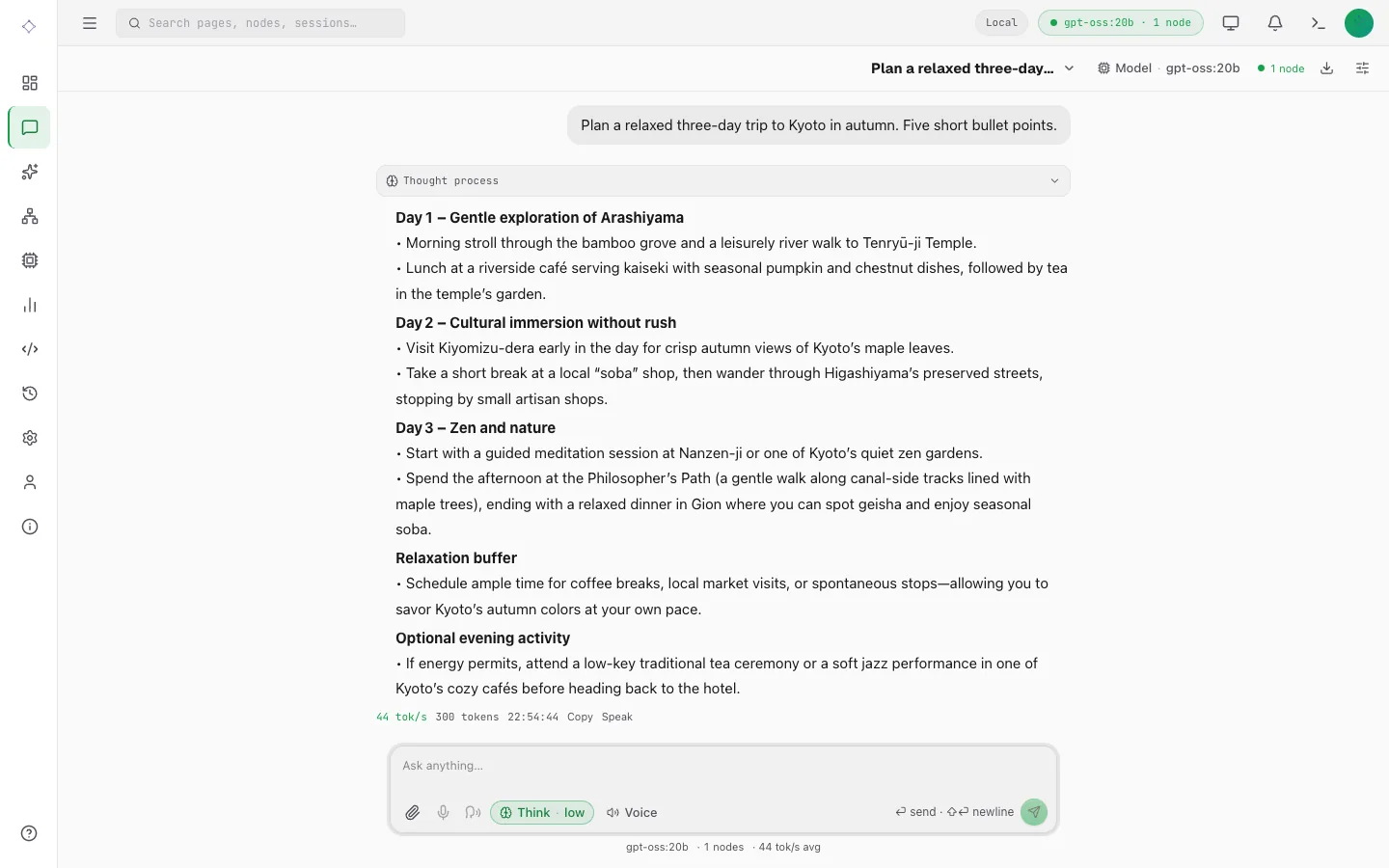
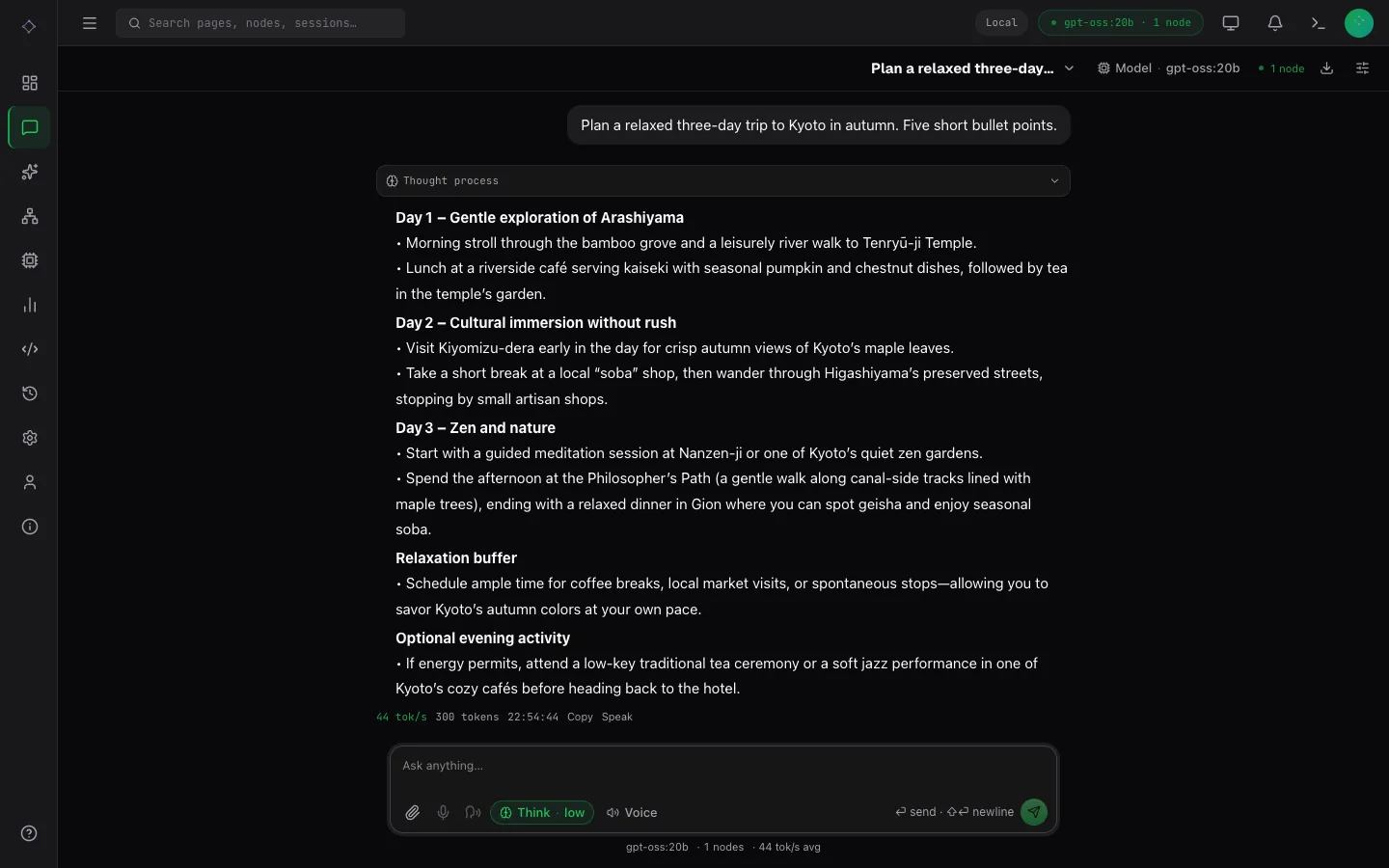
- Reasoning: a model that can think shows a reasoning control; one that cannot shows none.
- Attachments: the paperclip offers only what the selected model can read: images, audio or video frames. Attachments are kept in your browser with the conversation, so a saved chat still shows them after a reload.
- Voice: the microphone attaches one clip to a message; the voice control beside it starts a hands-free conversation, and replies are read aloud when a speech model is installed. Which voices chat can speak with: Speech in chat.
Images and video
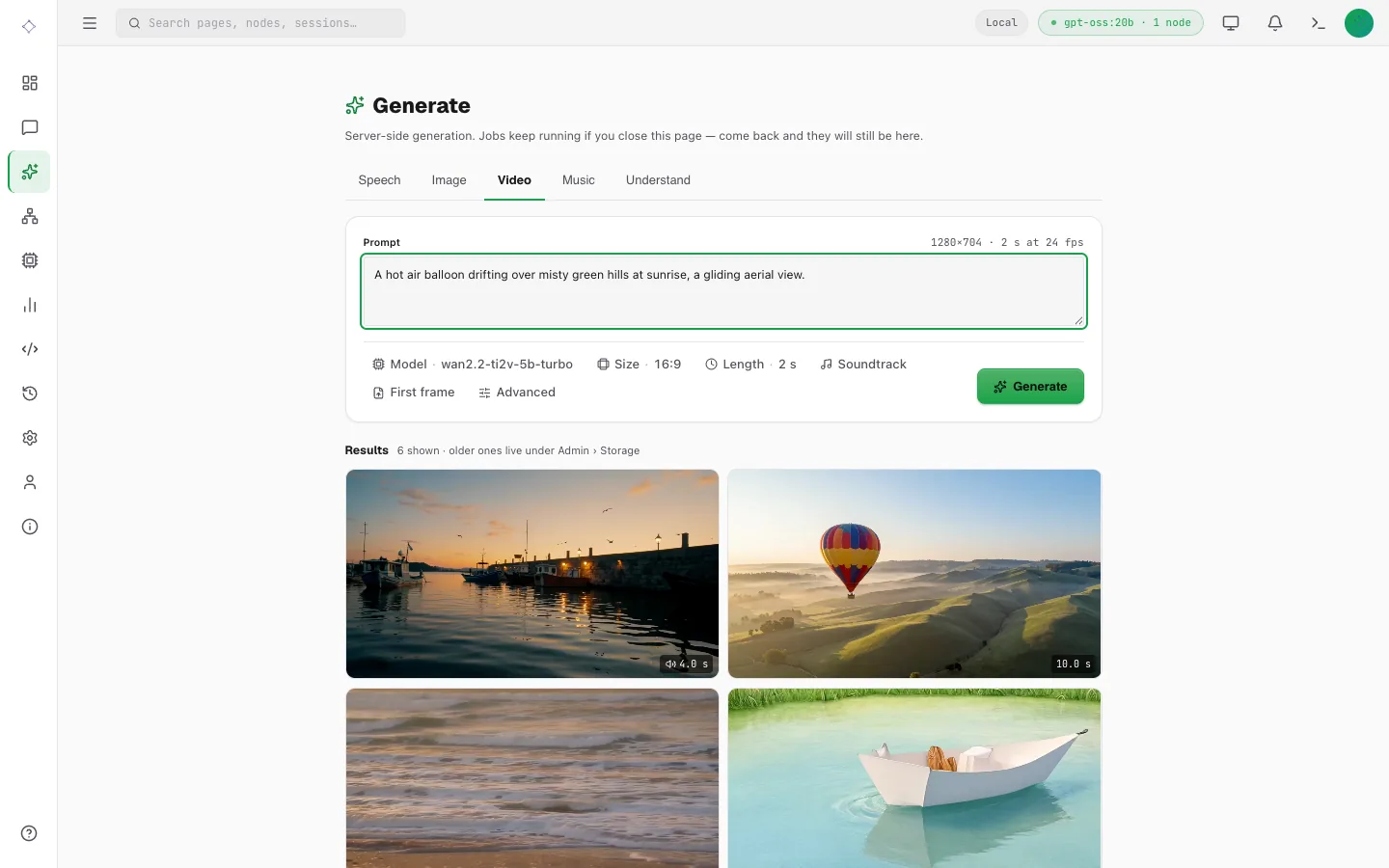
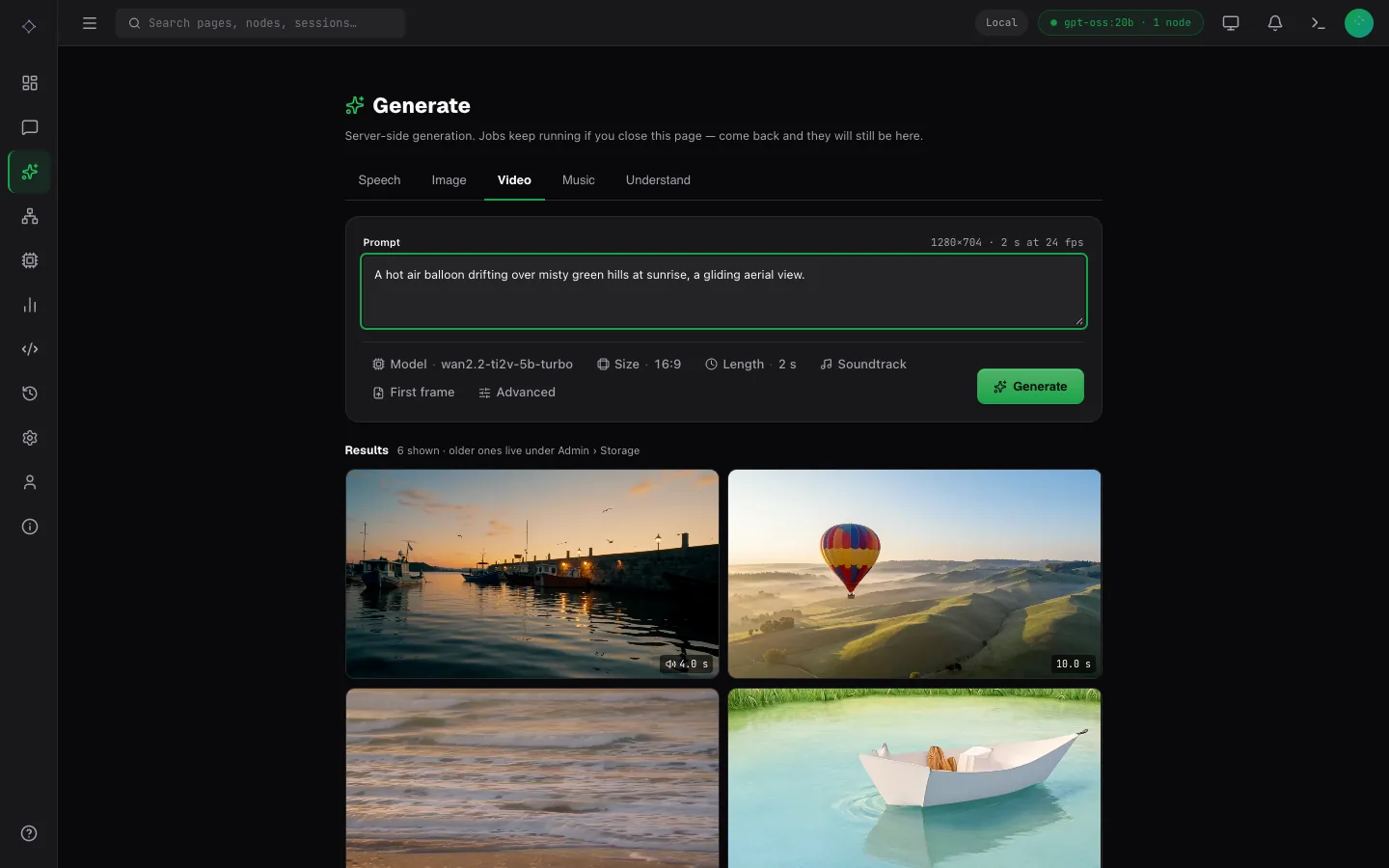
- Generate has Image and Video tabs, showing only the controls the chosen model takes: a start image, references, or a first and last frame (from a file, an earlier result or a frame of any video), with Fit; Mask; Control video and Follow for Wan VACE; Soundtrack (an audio file, or a recent speech or music result) and Sound; Length (10, 15 or 20 seconds where the model makes longer videos), with Prompts set to One per line for a prompt per part; Keyframe and Spacing for MiniMax-H3; and Run on when nodes are connected. A running job shows its live preview.
- The viewer has Download and Use it: Edit, Reference, Animate, Extend (its form's Length is how much to add), Restyle, In a video, Use a frame, and Upscale ×2 and ×4. The video player steps frame by frame, changes speed and loops; clips start muted. Stats for nerds shows the settings, seed, time taken and the node.
Generate also makes speech and music. What each model takes is on Speech and voice, Music, Images and Video.
Running the cluster
- Admin → Storage holds everything generated.
- The header's node count, Network and Admin → Clusters include image and video nodes, and Analytics shows their jobs by machine.
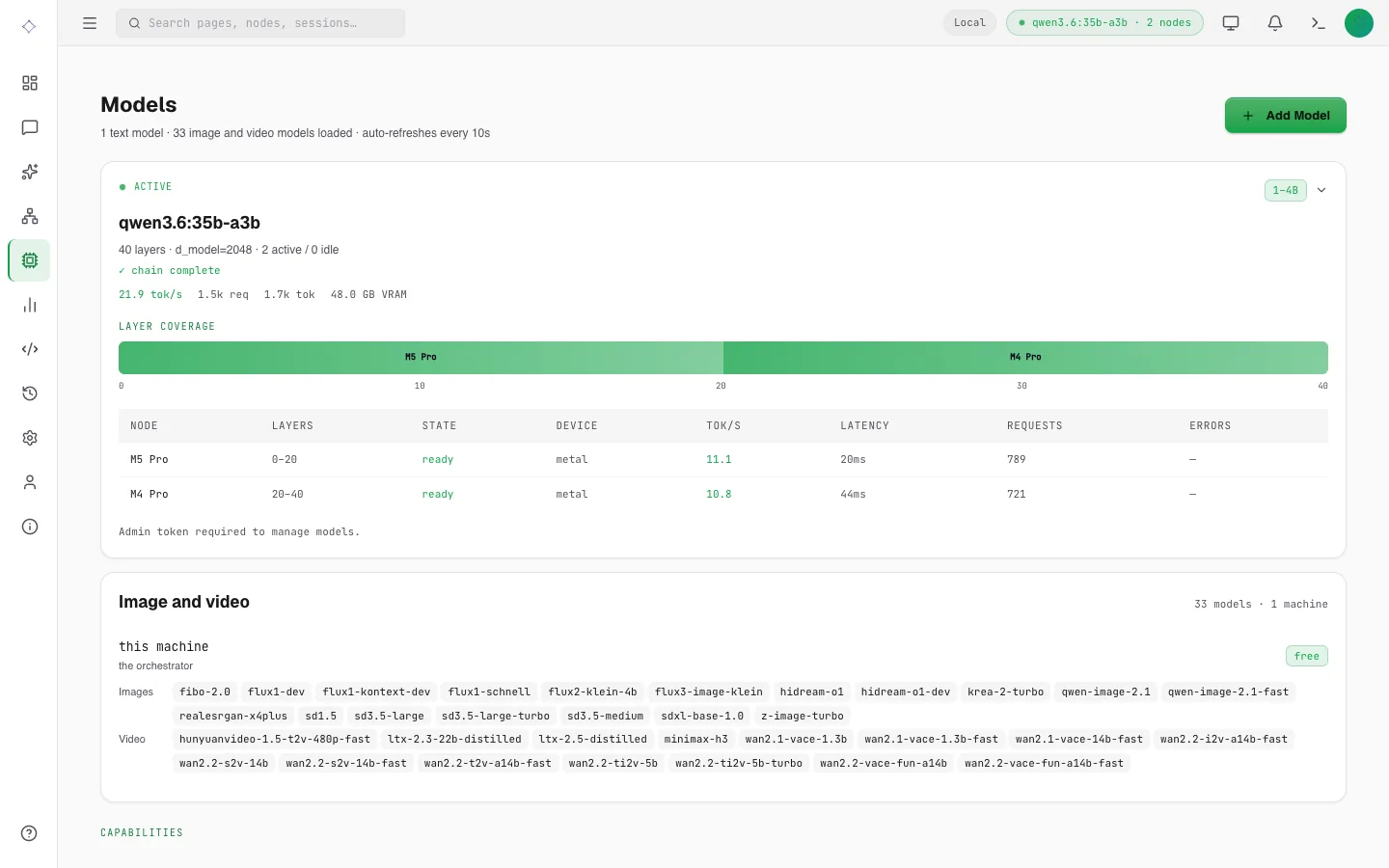
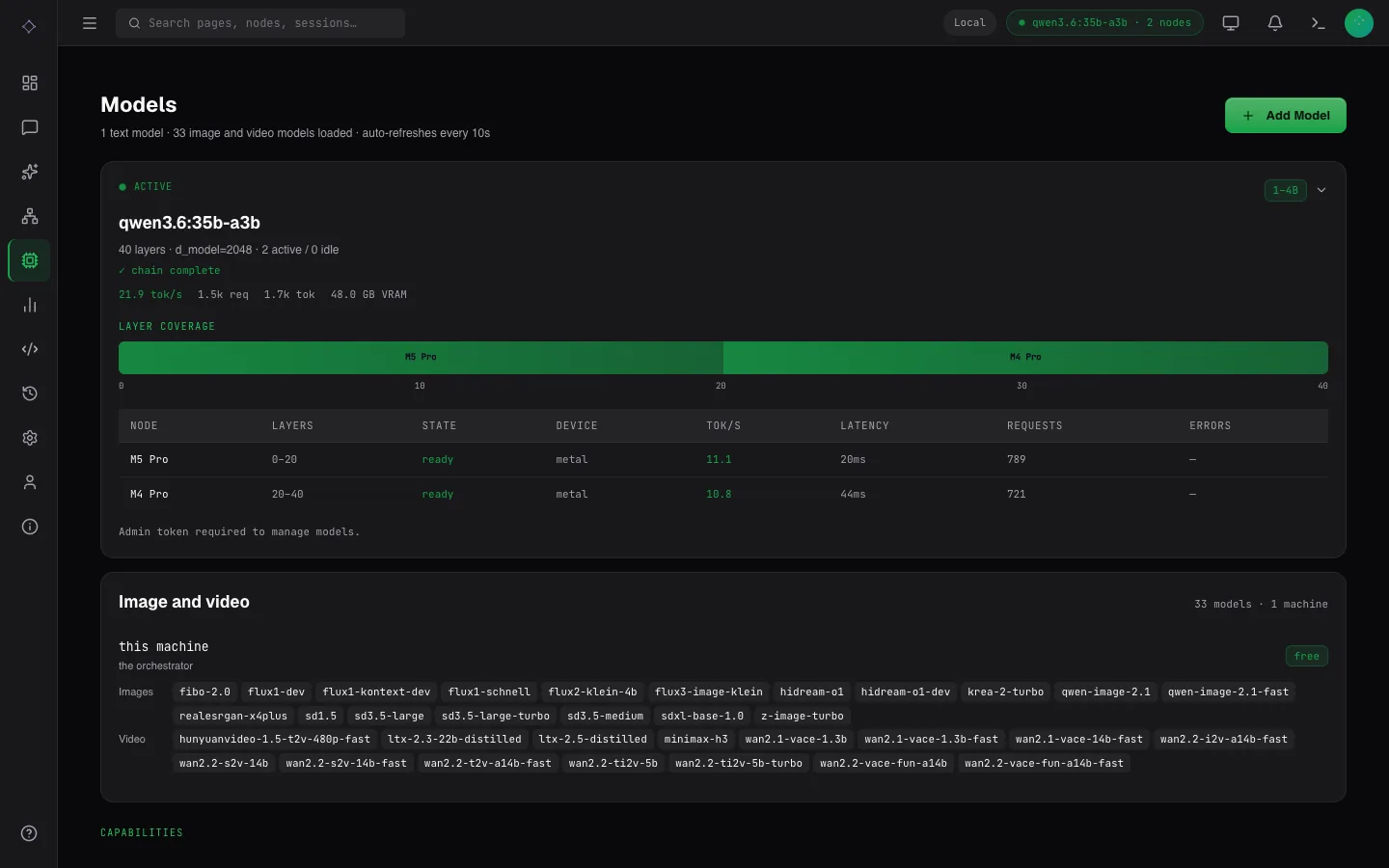
- Models lists the catalog with how to install each.
- API has a request to copy for each endpoint.
- Settings → Limits lists this deployment's limits, such as the longest video and how long a job may run.