
Multi-machine setup
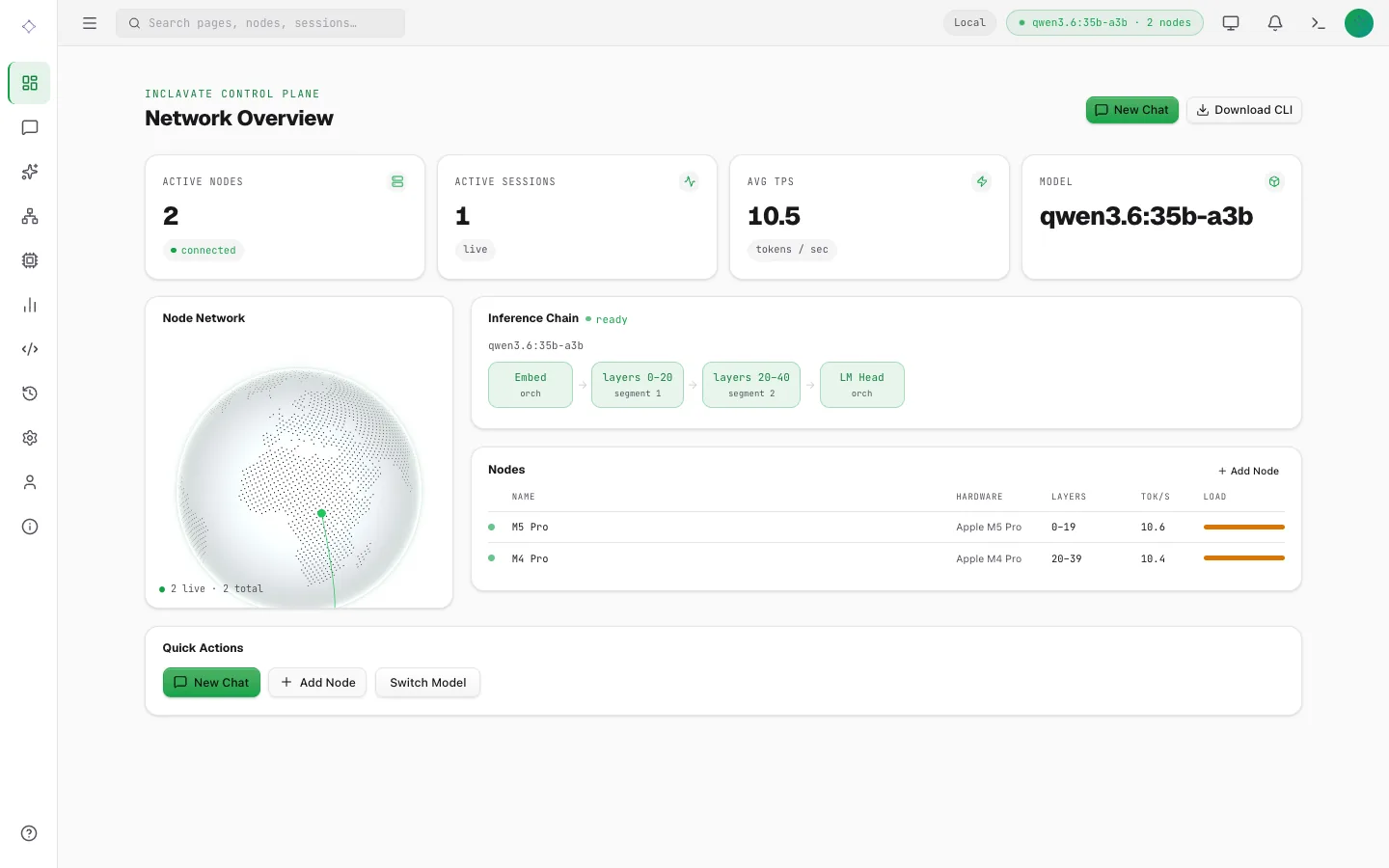
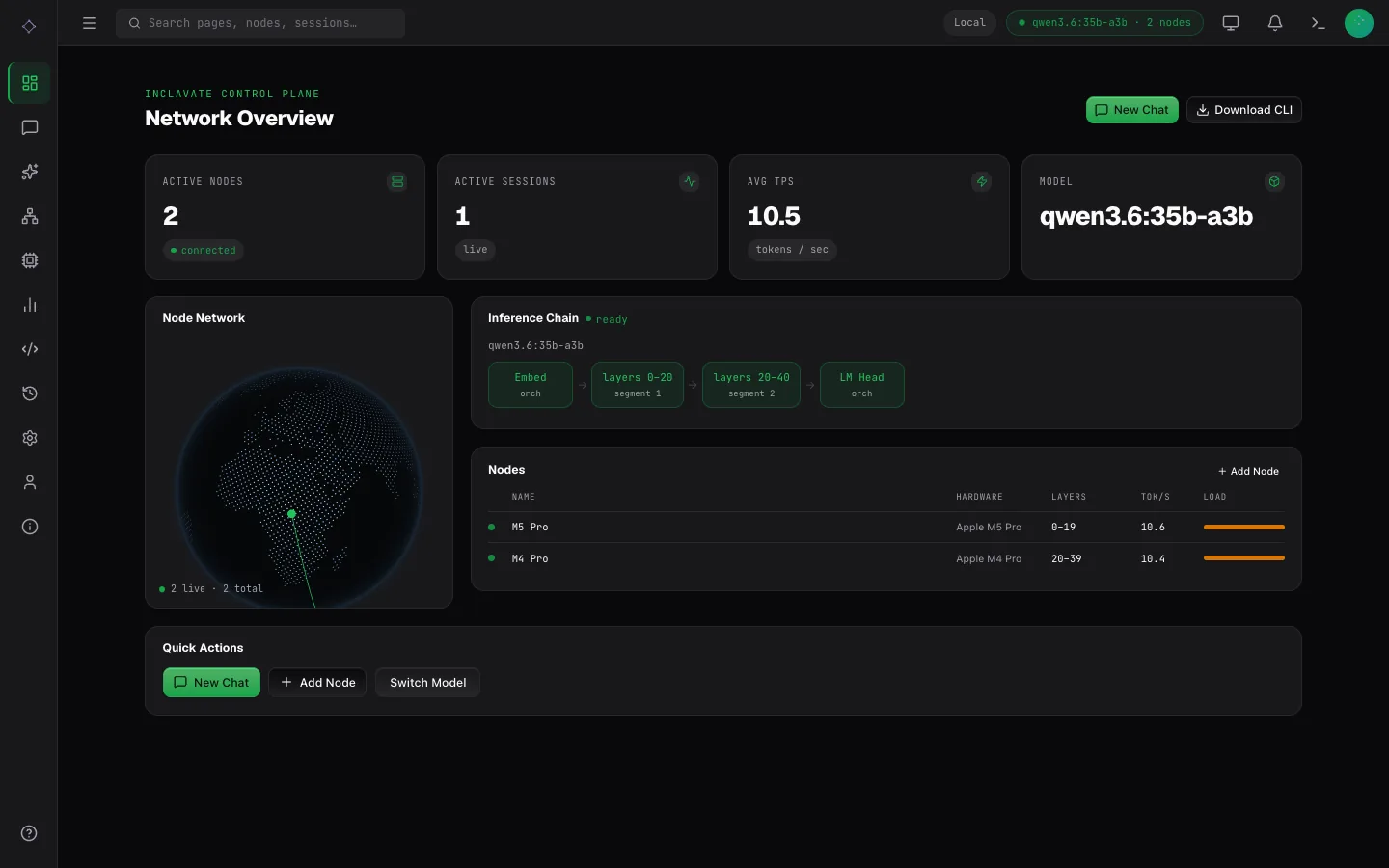
Machine A runs the orchestrator; other machines join as nodes. Nodes need only outbound TCP to ports 8001 and 9001 on Machine A — no inbound ports, no public IP.
Machine A — orchestrator + UI
dppan-orchestrator --port 8001 --admin-token mysecret
dppan ui --orchestrator http://localhost:8001 --port 3000
Machine B, C, … — use Machine A's LAN IP
dppan pull llama3.2:1b
dppan join --orchestrator http://192.168.1.10:8001 --model llama3.2:1b \
  --gguf ~/.dppan/models/llama3.2-1b-full.gguf
Each node auto-detects its GPU, serves the file dppan pull saved, and receives a layer range from the orchestrator automatically. With Ollama installed, --model alone works: the node takes the model from Ollama, pulling it there if needed.
A machine with image or video models installed (dppan pull --visual) can make them for the orchestrator instead, or as well, once the orchestrator is started with DPPAN_VISUAL_NODES=on:
dppan join --orchestrator http://192.168.1.10:8001 --visualSee Images and video › On other machines, including who should be able to reach the orchestrator when this is on.
Large models
For models bigger than one machine — say Llama 3.3 70B split across three nodes — each node can download only the layers it will serve with dppan pull --layers, then serve them via dppan join --gguf. Full walkthrough, flag reference, and split-planning tips: Sharded download.